
What does it do?
Hash Tool is a free utility for calculating and verifying file hashes. A hash is a fixed-length value computed from your file's contents — a unique fingerprint that lets you confirm a file hasn't been tampered with or corrupted during download. Hash Tool makes it quick and easy to calculate, compare, and verify hashes for any number of files.
20 Hash Algorithms
Features
File Hashing
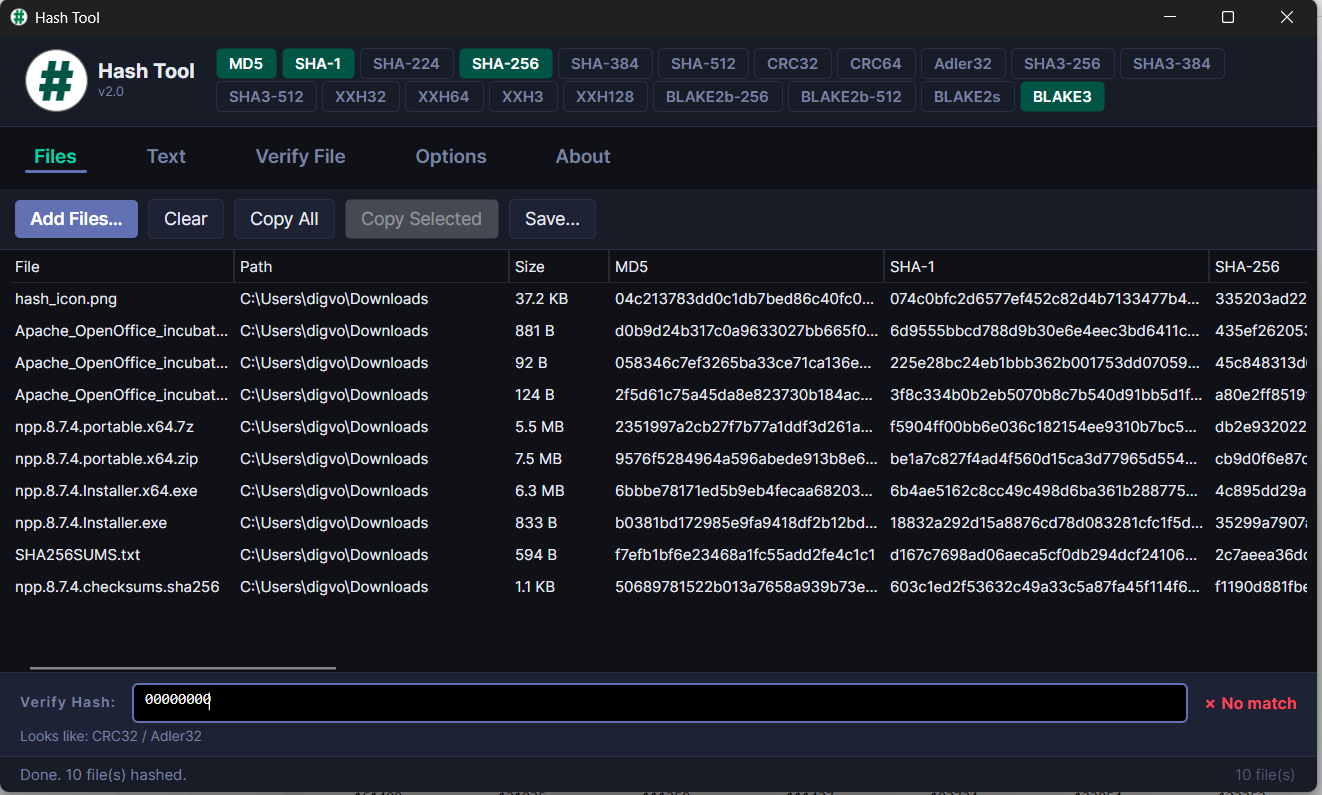
Select multiple files or drag and drop directly from Windows Explorer. Results are displayed in a fast, sortable data grid with columns for each enabled algorithm. Choose which algorithms to display and toggle column visibility on the fly.
Text Hashing
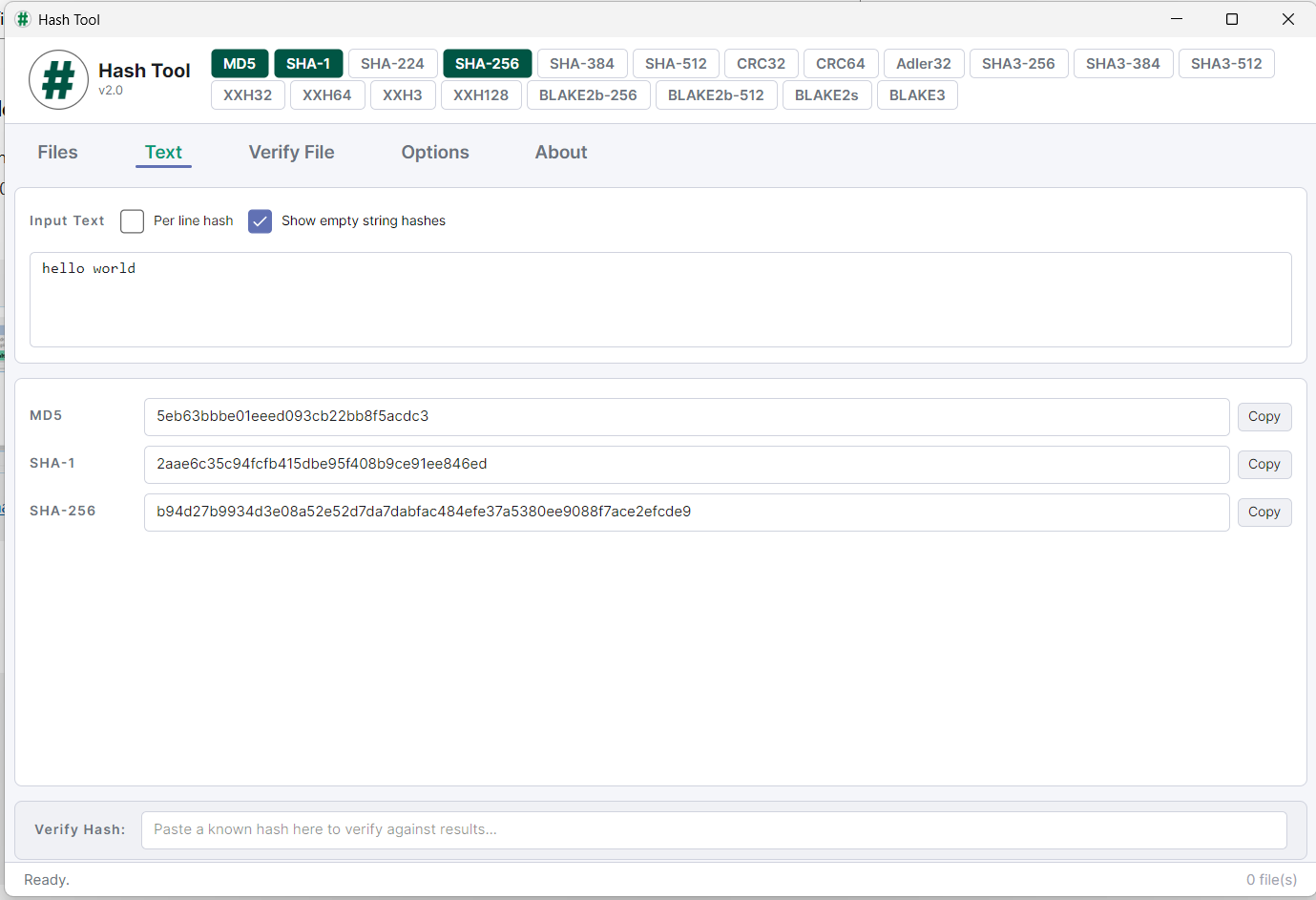
Type or paste text and instantly see hashes for all enabled algorithms. Useful for generating hashes of passwords, strings, or other text content.
Verify Checksum Files New
Open .md5, .sha256, .sfv and other checksum files to verify your downloads in bulk. Hash Tool parses GNU, BSD and SFV formats, automatically detects the algorithm, and shows pass/fail results for each file with colour-coded status rows.
Verify Individual Hashes New
Paste a known hash into the verify box on the Files or Text tab to instantly compare it against your results. Hash Tool identifies the algorithm from the hash length and highlights whether it matches.
Dark & Light Themes New
Choose between dark and light themes, or follow your system setting. Your preference is saved between sessions.
Flexible Output
Copy results to the clipboard or save to a file in CSV or TSV format. Copy all results or just selected rows. Optional header row for spreadsheet compatibility.
- For Microsoft Windows 11 and 10
- Version 2.0
- Freeware
Download Hash Tool (64-bit installer) Download Hash Tool (App Store)